
IT Checklist for Office Relocation in Baltimore
Moving desks and chairs is straightforward. But moving your entire IT infrastructure without destroying business operations? That’s a completely different challenge.
Many companies treat IT as an afterthought during office relocation. They spend months finding the perfect space, negotiating the lease, planning the layout. Then two weeks before the move, someone finally asks about the servers.
That’s when the panic starts. Internet service providers are booked out for weeks. The new office needs cabling work nobody budgeted for. And your team still needs a place to work Monday morning.
To help you avoid all that unnecessary chaos, we’ve put together the office IT relocation checklist we wish everyone would use. Below, we’ll give you details on:
-
The timeline for each phase of your IT move (and why starting 3-6 months early matters)
-
How to protect your business data during the transition
-
What to handle in-house and when to bring in expert help
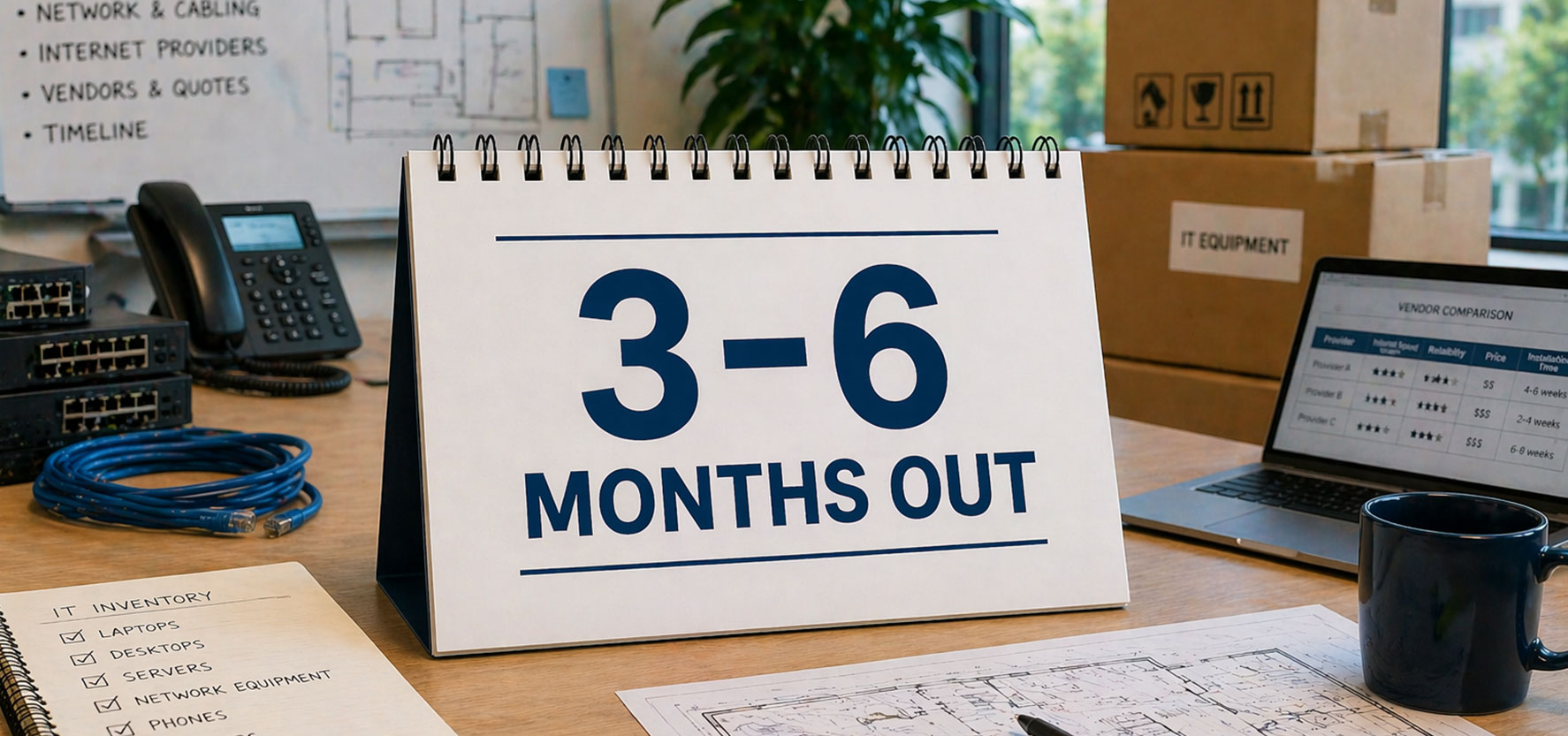
Pre-Relocation Planning (3-6 Months Out)
We recommend starting your IT planning three to six months before your office move. That timeframe isn’t arbitrary.
Internet service providers typically need four to eight weeks for installation scheduling. Equipment orders can take weeks depending on supply chain conditions. And experienced moving companies that actually know how to handle IT infrastructure book up fast.
When you start early, you have options. When you start late, you’re stuck with whatever availability is left and whatever compromises that forces on your business.
Here’s what you should focus on first:
Inventory and Creating Your Plan
Take inventory of all IT assets and equipment
Walk through your current office and document everything. Computers, servers, printers, phones, network equipment, cables. You need to know what you have before you can plan what goes where.
Create your relocation plan with IT priorities
Your relocation plan needs IT front and center. When does internet access need to be live? What systems are critical on day one? Which equipment can wait? Map this out now while you have time to think clearly.
Evaluating Your New Office Space
Schedule a site visit to your new office
Visit the new building and look at the actual space. Where are the network connection points? Is there room for your server equipment? Don’t rely on floor plans alone.
Evaluate the IT infrastructure at your new location
Some office spaces come with robust IT infrastructure. Others have outdated systems that can’t handle modern business operations. Find out which situation you’re walking into.
Assess cabling requirements for your new office layout
Your new office layout might need additional network drops. Maybe you need fiber run to certain areas. Understanding cabling requirements now prevents scrambling later.
Selecting Vendors and Partners
Research internet service providers in your new area
Not all providers serve every Baltimore location equally. Check what’s available at your new address. Compare speeds, reliability, and pricing. Some areas have limited options.
Get quotes from multiple moving companies experienced with IT equipment
Not every moving company has experience handling servers and sensitive technology. Find movers who understand the difference between relocating desks and relocating your business infrastructure.
Now that you know what you’re working with, it’s time to start making commitments.

Preparing the New Office (2-3 Months Out)
This is when planning turns into action. You’re locking in vendors and making decisions that will affect your first week at the new location. The commitments you make now determine whether your team can work normally on day one or whether they’re sitting in a beautiful new office with no way to access email.
Internet and Phone Services
Schedule installation for internet and phone services
Internet service providers need lead time. Sometimes weeks. Call now and get on their calendar. Request installation at least one week before your official office move so you can test everything.
Order any new equipment your new space requires
Maybe your new office needs additional access points for WiFi coverage. Maybe you’re upgrading servers. Supply chain delays are real. Order now.
Designing Your New Office Layout
Plan your new office layout around IT infrastructure needs
Where are your network closets? Where do printers go? Which conference rooms need dedicated connections? Design the layout so technology supports your team instead of fighting against the space.
Identify correct locations for servers and network equipment
Servers need proper cooling and power. They can’t sit in a closet without ventilation. Mark exactly where critical infrastructure goes in your new building.
Coordinating the Move
Create an infrastructure migration plan
Decide how you moving core infrastructure—such as networks, internet connections, servers or cloud environments, user devices, and security tools—from one location to another with minimal disruption.
Begin backing up all critical data and business data
Start your backup routine now. Create multiple backups. Test them. Your data is more valuable than any physical equipment you’re moving.
Once you’re past the planning phase, your commitments have real deadlines and real consequences if they slip. So, the next month is about testing and verification.

Data and Security Considerations (1 Month Out)
A damaged server costs money to replace. A corrupted hard drive with years of customer records, financial data, and operational history is a business-ending event. Equipment failures during office relocation happen often enough that you need multiple layers of protection before anything gets loaded onto a truck.
Backing Up Critical Data
Test all backup systems to ensure data integrity
You’ve been running backups. Now it’s time to verify they actually work. Restore a few files from your backup and make sure you can access everything. A backup you can’t restore is worthless.
Perform final backup of all business data
Run a complete backup right before the office move. Every system. Every file. This is your insurance policy.
Document current network configuration and systems
Take screenshots of your network settings. Document IP addresses. Write down how everything connects. When you’re troubleshooting at the new location, this documentation will save hours.
Security During the Relocation Process
Label all IT equipment with destination locations
Every piece of equipment needs a clear label showing where it goes in the new office. Servers to the server room. Specific workstations to specific desks. This prevents confusion when your moving company is unloading.
Plan for secure transport of sensitive equipment
Laptops with employee data. Servers with customer information. These need special handling. Decide who transports what and how you’re keeping everything secure in transit.
Set up mobile hotspots as backup connectivity
If internet access fails on day one, you need a backup plan. Mobile hotspots keep critical operations running while you troubleshoot the main connection.
One month out is when you shift from planning to execution mode. Everything should be documented and tested. Now comes the final countdown.

Final Preparations (1-2 Weeks Before Moving Day)
The move is close. This is your last window to catch configuration errors, vendor miscommunications, and equipment problems while you still have time to fix them. Once moving day starts, your options shrink to damage control.
Confirming Installations and Support
Confirm installation dates for internet access and phone lines
Call your internet service providers. Verify they’re still scheduled. Get a specific time window. Make sure someone will be on site to let them in.
Schedule on-site IT support for moving day
Whether it’s your internal IT team or an MSP partner, you need technical expertise on site when equipment arrives. Problems will come up. You need someone who can solve them immediately.
Creating Your Moving Day Checklist
Plan the sequence for moving equipment out
Map out the exact order of operations for disconnecting equipment. Some systems can go offline early. Others need to stay running until the last possible minute to keep business operations functional. Document the sequence now so nobody’s guessing on moving day.
Verify new office space is ready for installation
Do a final walkthrough. Is the power ready? Is the cooling working? Are the network drops where they need to be?
Test internet service at the new location
If your internet was installed early, test it now. Run speed tests. Check connectivity throughout the space. Find dead zones before staff arrive.
Coordinate access to both old office and new building
Who has keys? Who can let the movers in? What are the building access hours? The last thing you need is your moving company waiting outside a locked building.
Everything is about to happen fast. These final checks minimize downtime when it matters most.
Now for the main event.

Post-Move IT Setup (First Week)
Post-Move IT Setup: Getting Back to Business
Your team is in the new office. Now you need to prove that all this planning actually worked.
Testing Systems Before Staff Arrive
Test all network connections throughout the office
Walk the entire space with a laptop. Check every desk. Every conference room. Every area where people will work. Find connectivity problems before employees do.
Verify internet access is working properly
Run speed tests. Check upload and download speeds. Make sure you’re getting what you’re paying for from your internet service providers.
Confirm phone services are functioning correctly
Test every phone line. Make calls in and out. Check voicemail. Verify call forwarding works. Phone problems create immediate business impact.
Supporting Your Team Through the Transition
Test all systems and applications
Log into every critical application your business uses. Find the problems before your team needs these systems.
Provide on-site support as employees settle in
The first few days will surface issues you didn’t anticipate. Have IT support available to solve problems quickly instead of letting frustration build.
Monitor systems for problems
Watch for patterns. Are certain areas having connectivity issues? Is one application causing trouble?
Should You Handle This Yourself or Partner With an MSP?
Looking at this IT relocation checklist, you might be wondering whether your team can handle this alone.
If you have dedicated IT staff with relocation experience and a straightforward setup, you might be fine managing internally. But if your team is already stretched thin or if this is your first office move, the risk calculation changes.
What an MSP Brings to Your Office Relocation
Working with an MSP for your office move means:
-
Vendor coordination you don’t have to manage. We handle the back-and-forth with internet service providers, phone companies, and equipment suppliers while you focus on running your business.
-
On-site expertise at both locations. You get technical support at your old office during disconnect and at the new building during setup. Problems get solved immediately instead of turning into multi-day delays.
-
Tested processes that prevent common mistakes. We’ve moved enough Baltimore businesses to know which steps get skipped and which shortcuts create problems. You benefit from that experience without paying for it yourself.
-
Accountability when things go wrong. Equipment arrives damaged or internet installation gets delayed? We handle it. You have a single point of contact instead of playing referee between multiple vendors.
At RTS, we’ve managed IT relocations for dozens of Baltimore businesses. We know which internet service providers actually deliver on their installation timelines in different parts of the city. We’ve seen what goes wrong during office moves and more importantly, we know how to prevent it.
Office relocation is complex enough without learning expensive lessons on your own dime. If you want someone local who’s done this before handling your IT move, let’s talk. Contact Lenny Giller at lenny@reliabletechnology.co today so we can help you make IT the easiest part of your office move.